Blog
Privacy testing articles
These articles explain what a browser privacy check can observe and what it cannot prove. They link to the local tools on this site. They are not a VPN detector, a DNS leak test, or a guarantee that you are anonymous.
Best VPN for DNS leak protection in 2026
A useful VPN DNS comparison starts with private DNS handling and a connection check. No VPN should be described as permanently leak-proof without evidence for your device.
Best VPN for IPv6 leak protection in 2026
IPv6 visibility alone is not a leak. The useful comparison is whether the address is VPN-owned, ISP-owned, intentionally blocked, and consistent with the service documentation.
Best VPN with a reliable kill switch in 2026
A kill switch can reduce ordinary traffic exposure during a dropped tunnel, but its behaviour can differ across a disconnect, crash, reconnect, or reboot.
Best VPN for WebRTC leak protection in 2026
A VPN can help with the public network path, but WebRTC results must be read carefully. Local and mDNS candidates are not the same as a revealed public IP.
Google still knows my location with a VPN: here's why
A VPN mainly changes the network path and public IP. It does not automatically erase browser location permission, GPS, cookies, account history, or Wi-Fi location signals.
IPv6 address visible while VPN is connected: is it a leak?
Seeing IPv6 alone does not prove there is a leak. The relevant question is whether the address is ISP-owned, VPN-owned, expected to be blocked, and consistent with your route.
VPN connected but IP address hasn't changed: 9 fixes
This is a narrow troubleshooting guide for an unchanged public IP—not a general leak diagnosis. Verify the exact public IP in the same browser first.
VPN connected but real IP is showing: how to fix it
A visible familiar address needs classification before a fix. Establish a baseline, reconnect, and identify which result is actually unchanged.
VPN leaking DNS on Windows 11: how to find and fix it
Windows 11 DNS troubleshooting needs a careful distinction between an ISP resolver, a browser resolver, and intentionally configured custom DNS.
WebRTC is leaking my real IP in Chrome while VPN is on
The first task is confirming that Chrome displayed your baseline public IP. Local, private, and mDNS values are not automatically a real-IP leak.
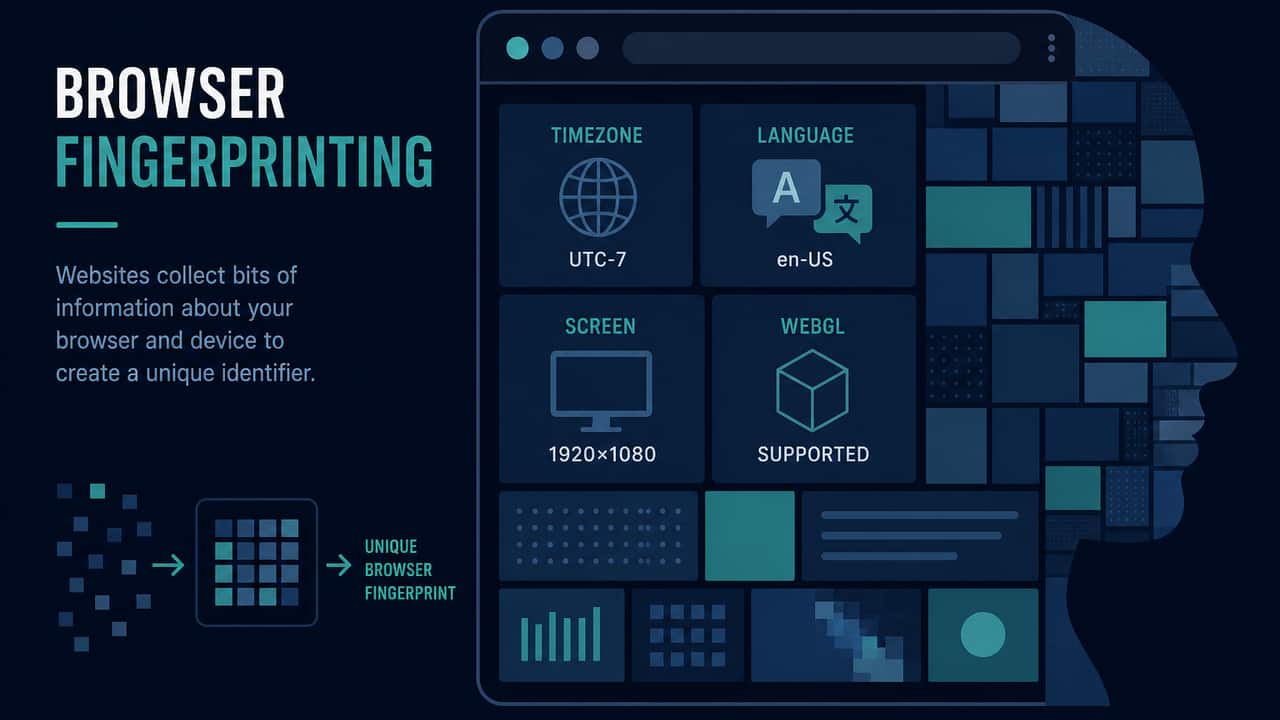
Browser fingerprinting explained
Websites can read many browser fields without asking for a fingerprint ID. Changing your IP does not reset those fields. This page explains the difference.
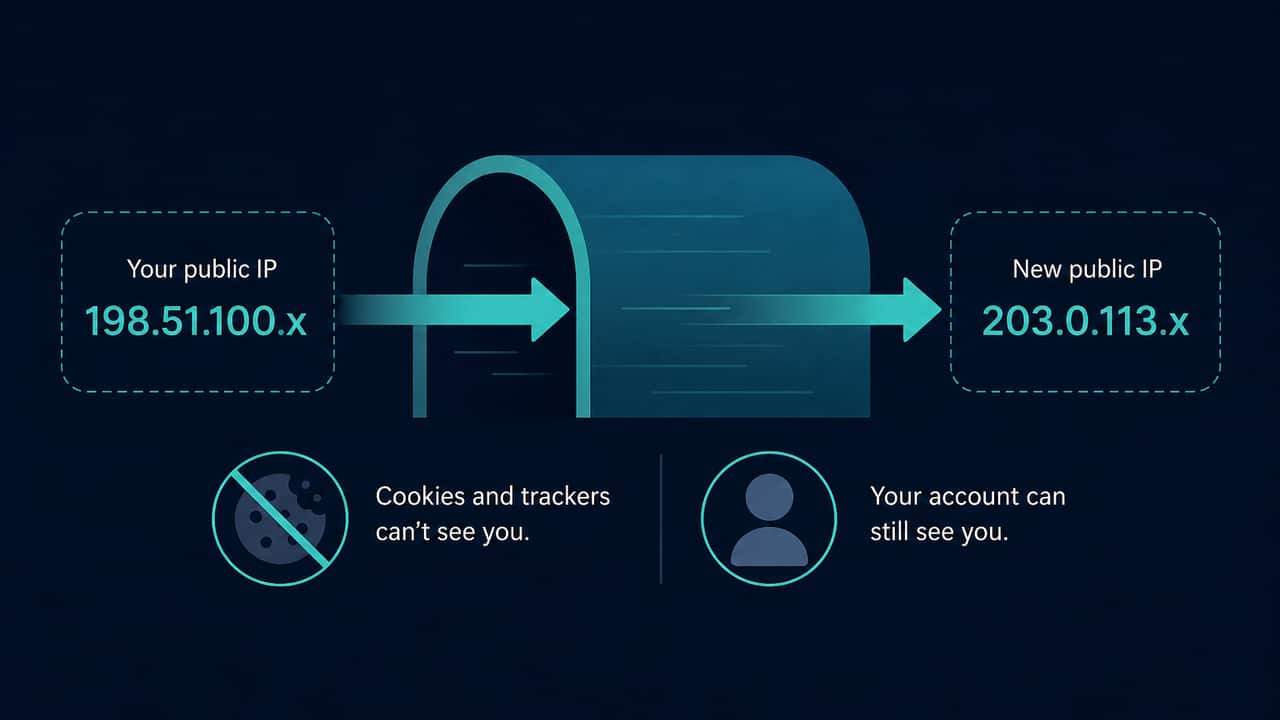
Does a VPN hide your IP address?
When the tunnel covers this browser, lookup services typically see the VPN exit instead of the ISP address. Cookies, logins, and browser fields still remain.
Does incognito mode hide your IP address?
A private window still uses a public IP for HTTPS. It is not a VPN, not a DNS leak test, and not a fingerprint eraser.
How to read a WebRTC test result
Wait until ICE gathering finishes. Compare only public addresses with the HTTPS lookup. Private and mDNS results need a calmer reading than “exposed.”
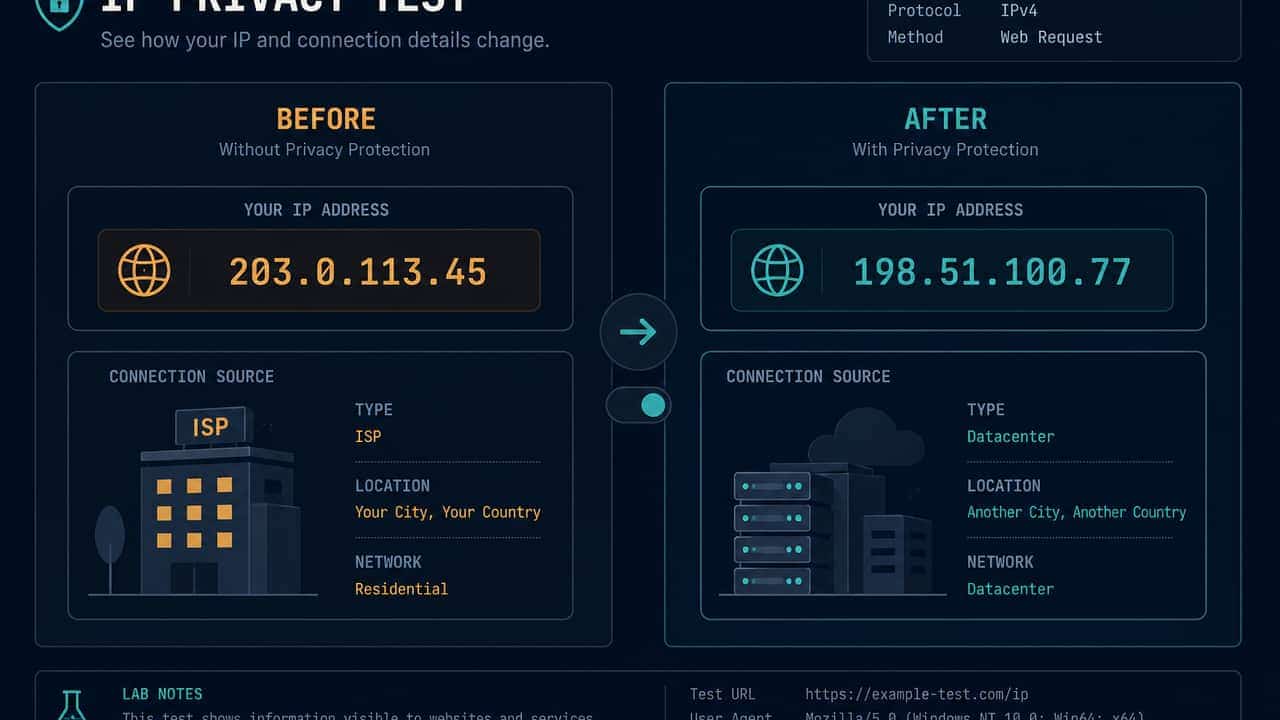
How to test privacy before and after a VPN
A fair check changes one thing: the VPN. Compare the public IP this browser uses, then optionally IPv6 and WebRTC. Unchanged fields are not a detector result.
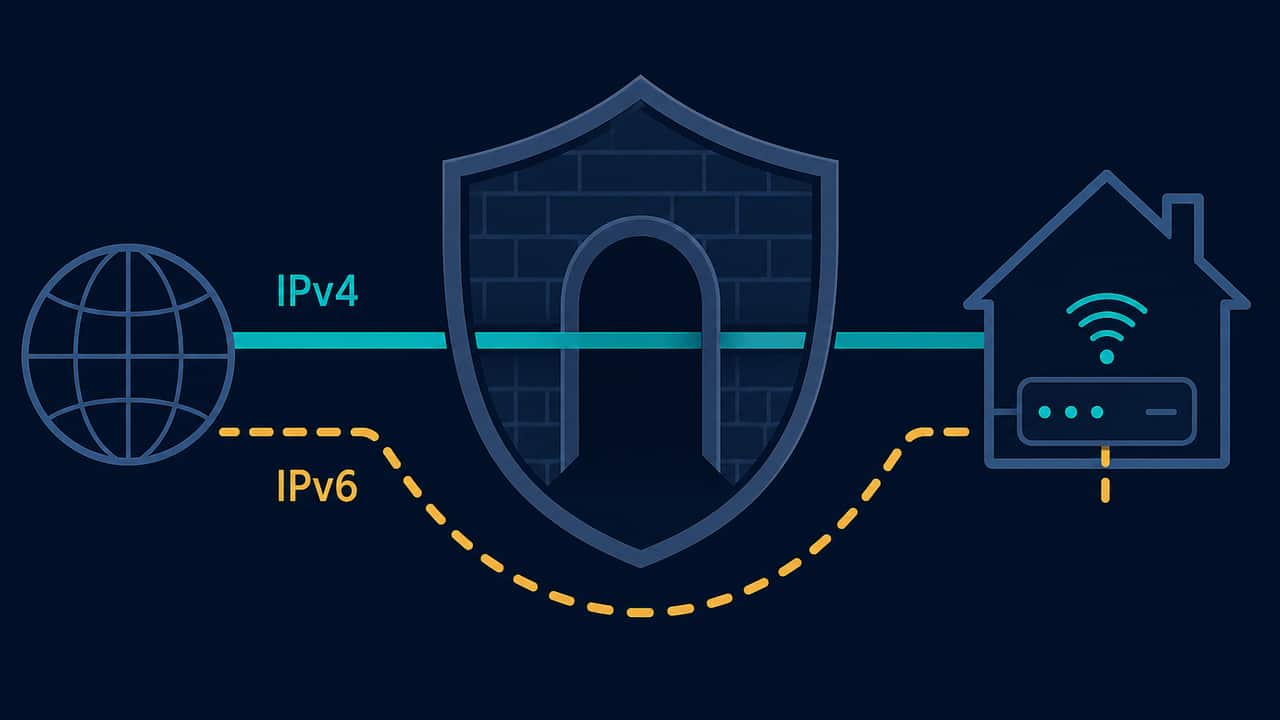
IPv6 exposure vs a VPN leak
Dual-stack networks can send IPv6 on a different route from IPv4. Seeing IPv6 is an observation about connectivity, not a completed leak verdict.
VPN test myths beginners should ignore
Ignore automatic “VPN detected” badges, one-look map verdicts, and pages that call every ICE address a leak. Compare IP strings before and after you toggle the app.
What do private IP addresses mean in a browser privacy test?
10.x, 192.168.x, and fe80:: are local. Seeing them in ICE candidates is common. It is not the same as a second public IP on the open internet.
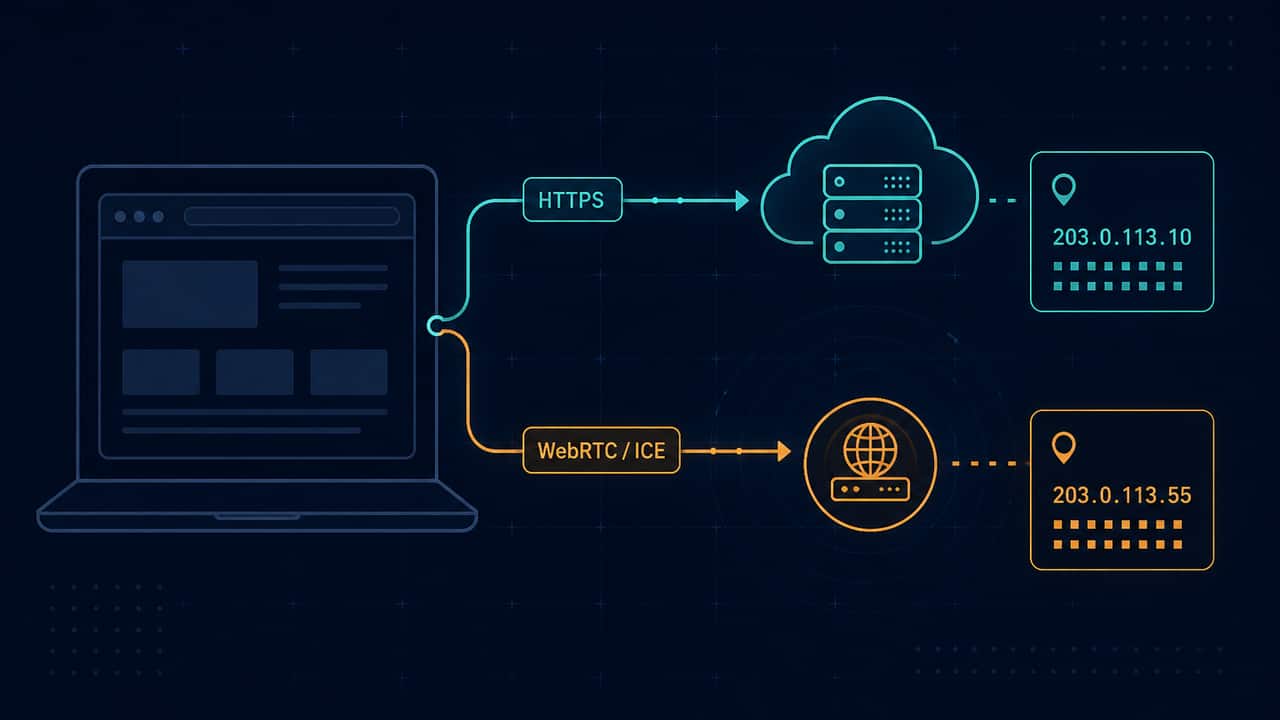
What is a WebRTC leak?
WebRTC can advertise addresses through ICE candidates. That is an observation. A different public IP from your ordinary lookup is the only case this site treats as possible leak evidence.
What is my public IP address and what does it reveal?
Your public IP is the address this browser used to reach a lookup service. It can suggest a network and sometimes a coarse region. It does not prove who you are.